
Losing a phone feels like losing a part of yourself, especially when it’s your trusty iPhone. The panic sets in as you realize it’s not just misplaced; it’s dead. But don’t worry—there’s still hope! Even a lifeless iPhone can be tracked down if you know the right tricks.
Understanding the Problem
Losing a dead iPhone can create significant anxiety. The initial shock may stem from the uncertainty of its location. Without power, the device lacks the capability to emit sounds or alerts, making detection challenging. Various scenarios might complicate recovery efforts, such as leaving the iPhone in a different location than remembered.
Tracking options diminish when the battery depletes. However, Apple offers features that could assist even when the phone is inactive. A thorough understanding of these features can provide users a strategic advantage.
Users can utilize Apple’s Find My service, which may show the last known location before the iPhone lost power. The app displays a map indicating where the device was last active, allowing for targeted searching efforts.
Lost mode can also be enabled remotely via Find My. In this mode, the iPhone will display a custom message, which could be helpful if someone finds it. This ensures a chance for recovery, even if the phone remains dead when located.
Understanding the factors at play can lead to productive searches. Recognizing the limitations of a dead device is vital in managing expectations during searches. Preparation and knowledge can increase the likelihood of finding that cherished device.
Preparatory Steps
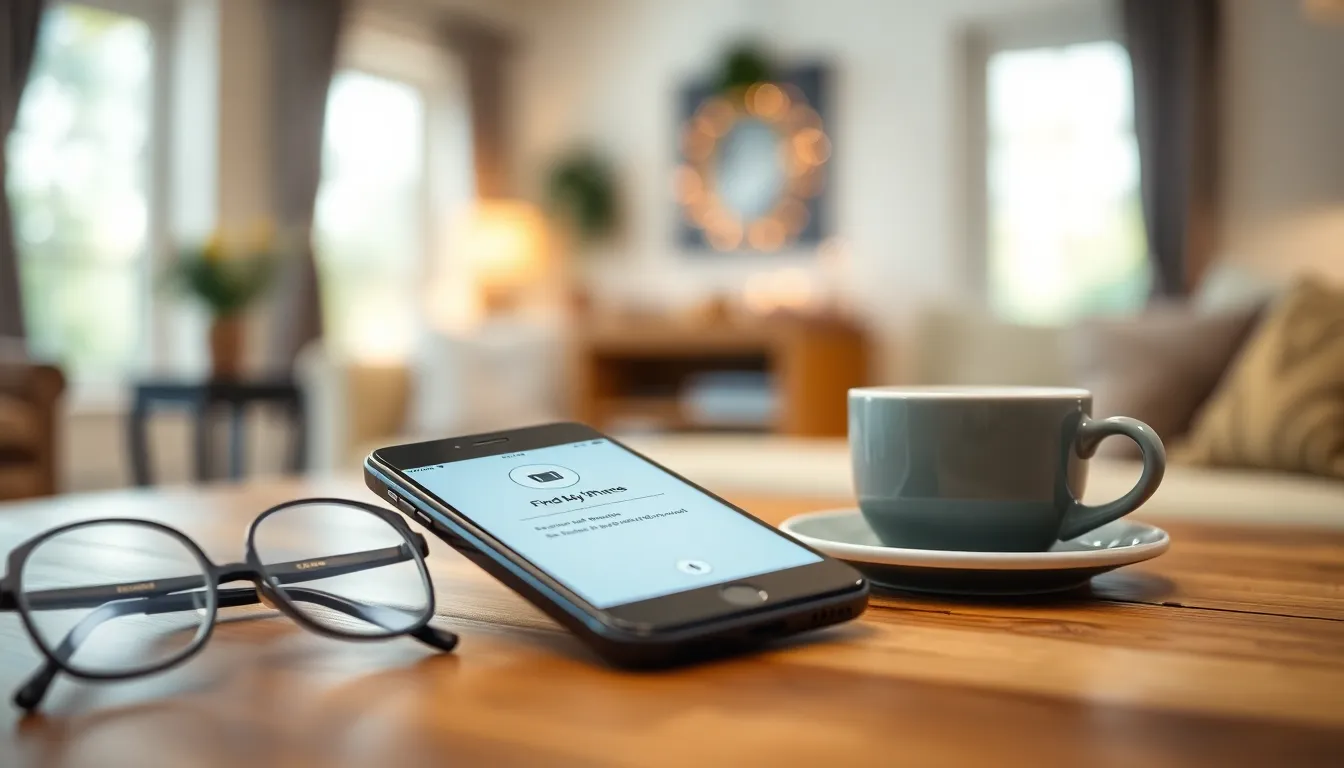
Finding a dead iPhone requires specific preparatory actions. These steps help increase the likelihood of recovering the device.
Check Your Settings
Start by ensuring that the Find My iPhone feature is enabled. This feature plays a significant role in locating lost devices. Navigate to Settings, then tap on your name, and select Find My. Both Find My iPhone and Share My Location should be turned on. Verify that the device is linked to an Apple ID. Doing this ensures tracking is possible. Examine your settings regularly, as they may change after updates. When Find My iPhone is active, it offers the best chance of locating your device, even when it’s dead.
Use Find My iPhone
Utilize the Find My app to check the last known location of your iPhone. This app provides crucial information, even if the device is unresponsive. Access Find My from another Apple device or through the iCloud website. Enter your Apple ID credentials to log in. View the map that shows the last sign of your iPhone’s location. If the device has been offline, the map indicates where it was last active. Activating Lost Mode can also send a notification, making it easier for anyone who finds it to return. Following these steps streamlines the search process and maximizes recovery potential.
Locating a Dead iPhone
Locating a dead iPhone can prove challenging, but there are methods that enhance the chances of recovery.
Using Last Known Location
Find My iPhone provides a last known location for tracking. Users should access their Find My app to determine this location. The map displays the last spot where the device connected to the internet. Knowing this can guide them to a specific area for searching. Apple’s accuracy in pinpointing locations significantly aids in efficient searches. It’s crucial to remember that the phone’s battery life directly influences successful tracking. Enabling notifications for location changes can also keep users informed if the device powers on again. The last known location serves as a starting point in the search journey.
Using Google Timeline
Google Timeline offers another useful feature for locating a device. Users can log into their Google account and navigate to Google Maps to view their location history. This tool records places visited and provides an approximate location of the lost iPhone based on previous locations. Data from the phone needs to be synced with the Google account for this feature to be effective. By reviewing the timeline, users get insights into the areas visited prior to losing their device. Tracking previous movements assists in narrowing down search areas. It’s particularly useful if the phone ran out of battery while in transit or activity. This method complements Apple’s tracking capabilities for optimal results.
Alternative Methods
Finding a dead iPhone requires exploring several alternative methods beyond the standard options.
Checking with Local Authorities
Local authorities can assist in the search for a lost iPhone. Reporting the loss helps create a record, which may prove useful if someone turns in the device. Officers might ask for details such as the phone’s make, model, and any identifying marks. Providing a serial number increases the chances of recovery, as it allows officials to identify the device quickly. Additionally, some police departments have dedicated lost-and-found services for stolen or misplaced items. Always follow up periodically to check on any updates regarding the search.
Using Third-Party Apps
Third-party apps can serve as valuable tools to locate a lost iPhone. Many applications offer location tracking services that supplement Apple’s built-in features. For example, apps like Prey Anti Theft and Lookout provide additional functionalities, such as geolocation and alerts when the device moves. Users must install these apps beforehand to take advantage of their features. Accessing location history through app dashboards can offer insights into potential search areas. Some of these apps even provide remote locking and wiping capabilities to protect personal data, enhancing security.
Losing a dead iPhone can be a distressing experience but there are effective strategies to improve the chances of recovery. Utilizing Apple’s Find My service and enabling Lost Mode can provide crucial information about the device’s last known location. Regularly checking settings ensures these features are active when needed.
Exploring additional tools like Google Timeline and local resources can further aid in the search. By being proactive and utilizing available technologies, users can navigate the anxiety of losing a device and increase the likelihood of reuniting with their iPhone. Taking these steps not only enhances recovery efforts but also reinforces the importance of safeguarding personal data.